
Harvey Assistant Page Design

Uncover the creative design of the Harvey Assistant landing page. This page highlights key visual elements and layout strategies, showcasing screenshots for mobile and desktop. For an in-depth review, check out our detailed case study.
Harveyharvey-assistant
Harvey Assistant
About this screenshot
This screenshot of the Harvey Assistant landing page was taken on Jun 04, 2026, providing a snapshot of its layout.
A full-screen capture alone may not illustrate the complex design of these pages. For an in-depth view, visit the official page or explore our case study, highlighting 'above the fold' content first encountered by users.
Harvey Page Title: Harvey – Assistant

Harvey Page Description: Leverage the power of AI to analyze complex documents and draft legal content, all with source citations.
Screen 1 (above the fold):
Harvey Assistant
Screen 2:
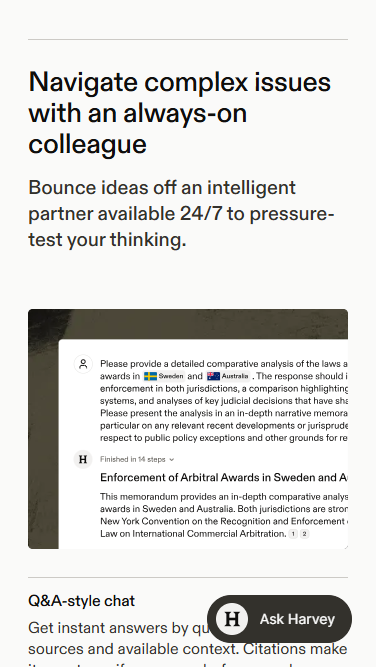
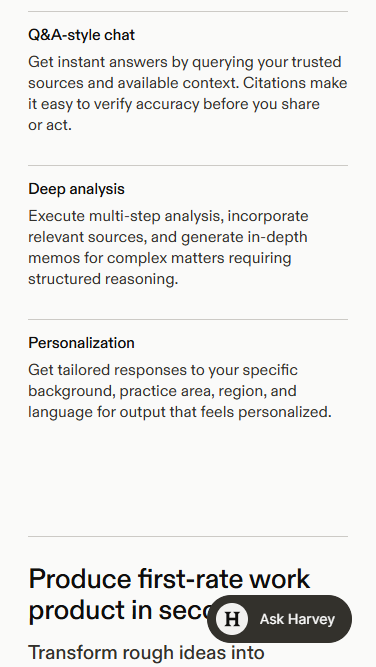
Landing Page Mobile Screen 2
Screen 3:
Landing Page Mobile Screen 3
Screen 4:
Landing Page Mobile Screen 4
Screen 5:
Landing Page Mobile Screen 5
Screen 6:
Landing Page Mobile Screen 6
About these screenshots
These images of the Harvey Assistant landing page were taken on Jun 04, 2026, providing a snapshot of its layout.
The first screenshot captured here showcases the 'above the fold' content, displaying what a user would see upon arrival at the page without scrolling. Subsequent screenshots show the immediate next sections, providing a static overview of the page as it appeared at the time of our analysis. Together, they highlight the key design elements and layout that shape the user's initial interaction. A full-screen display was neither necessary nor feasible due to the intricate and dynamic design features of this landing page.
Harvey Page Title: Harvey – Assistant

Harvey Page Description: Leverage the power of AI to analyze complex documents and draft legal content, all with source citations.
Harvey Assistant
About this screenshot
This screenshot of the Harvey Assistant landing page was taken on Jun 04, 2026, providing a snapshot of its layout.
A full-screen capture alone may not illustrate the complex design of these pages. For an in-depth view, visit the official page or explore our case study, highlighting 'above the fold' content first encountered by users.
Harvey Page Title: Harvey – Assistant

Harvey Page Description: Leverage the power of AI to analyze complex documents and draft legal content, all with source citations.
Screen 1 (above the fold):
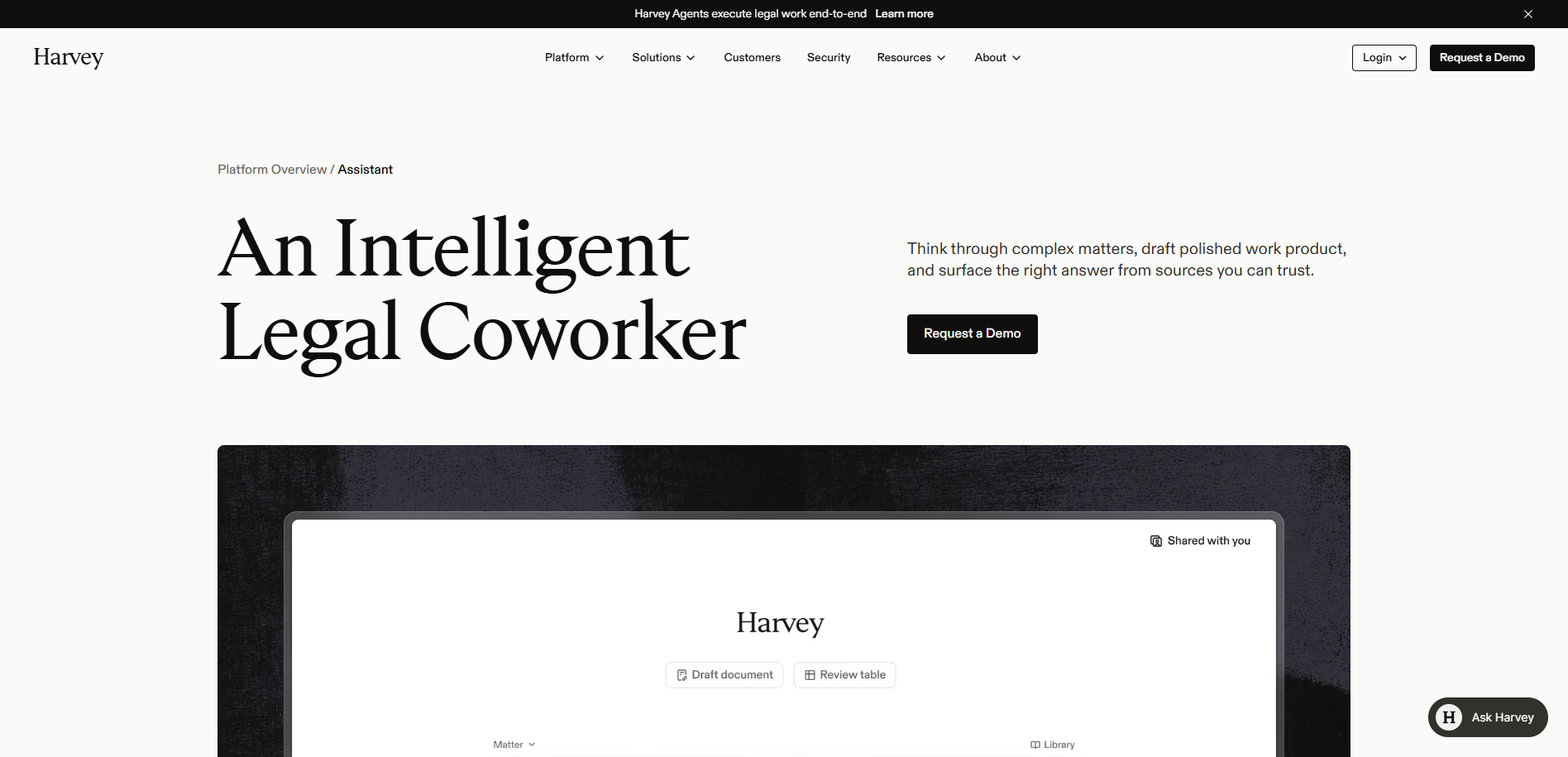
Harvey Assistant Landing Page
Screen 2:
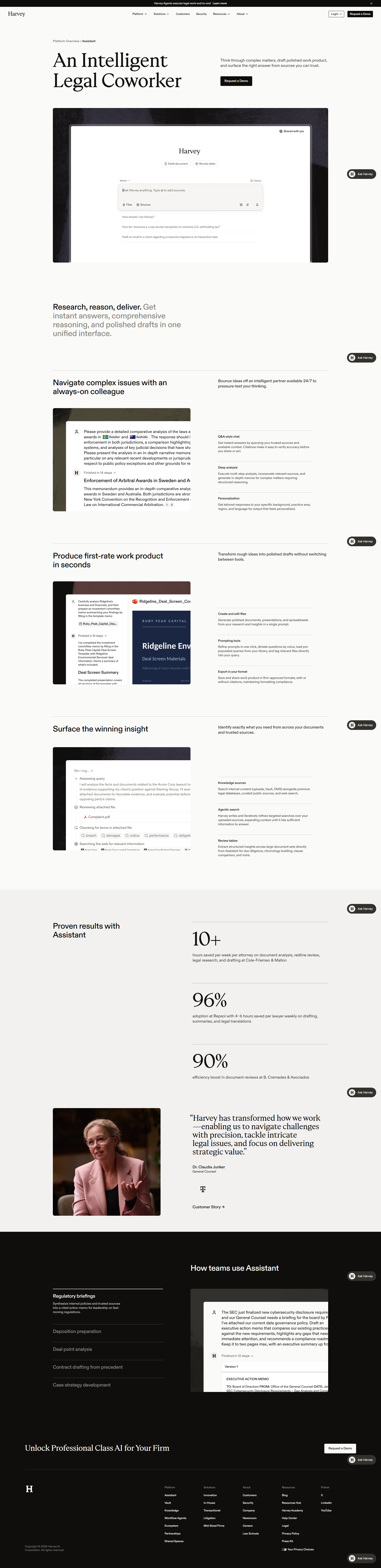
Landing Page Screen 2
Screen 3:
Landing Page Screen 3
Screen 4:
Landing Page Screen 4
About these screenshots
These images of the Harvey Assistant landing page were taken on Jun 04, 2026, providing a snapshot of its layout.
The first screenshot captured here showcases the 'above the fold' content, displaying what a user would see upon arrival at the page without scrolling. Subsequent screenshots show the immediate next sections, providing a static overview of the page as it appeared at the time of our analysis. Together, they highlight the key design elements and layout that shape the user's initial interaction. A full-screen display was neither necessary nor feasible due to the intricate and dynamic design features of this landing page.
Harvey Page Title: Harvey – Assistant

Harvey Page Description: Leverage the power of AI to analyze complex documents and draft legal content, all with source citations.
Design Review

A Designer’s View on Harvey Design

A Refined Legal Coworker

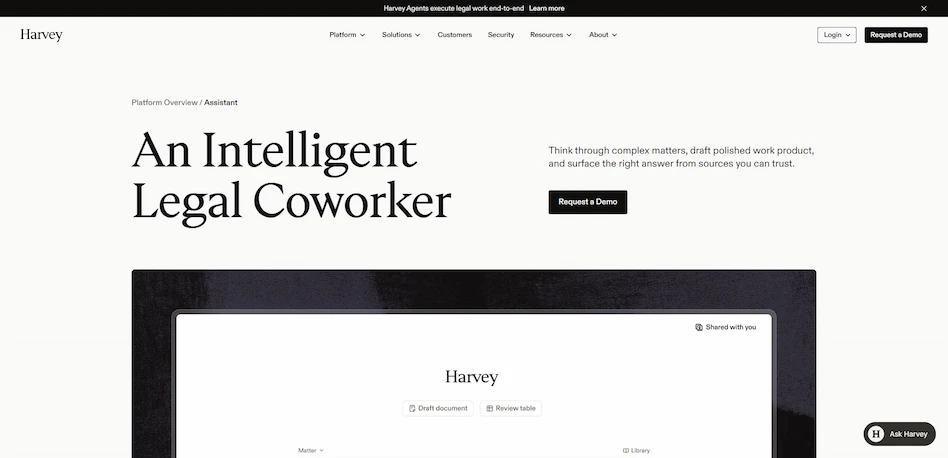
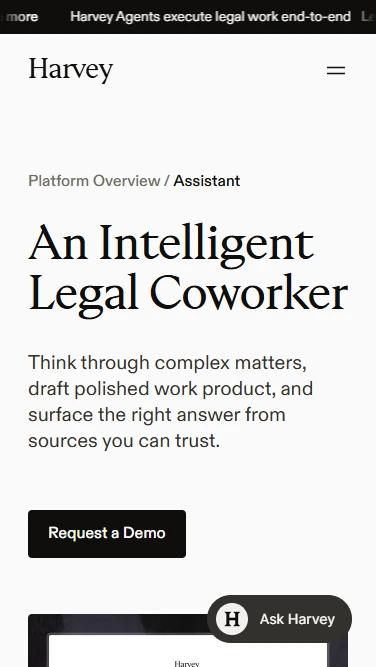
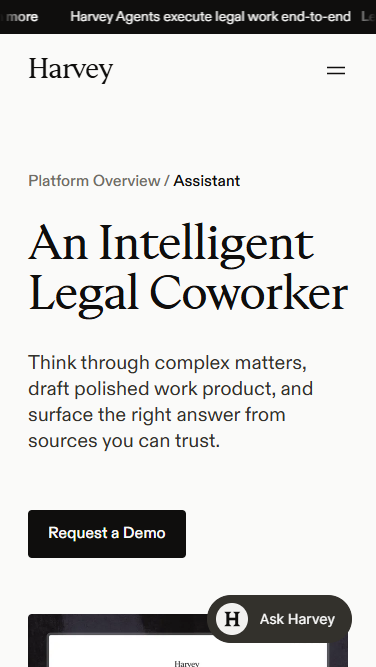
The above-the-fold design of the Harvey page is an elegant, editorial layout on off-white, defined by refined serif typography. A breadcrumb ("Platform Overview / Assistant") and a top bar promoting agents that "execute legal work end-to-end" frame a large serif headline, "An Intelligent Legal Coworker," balanced on the right by a concise subhead and a black "Request a Demo" Call-to-Action. A dark-framed product UI mockup (Draft document / Review table, Matter, Library) anchors the lower view, with a persistent "Ask Harvey" assistant button.

The key messaging is professional and trust-focused — thinking through complex matters, drafting polished work product, and surfacing answers from sources you can trust. The emotions conveyed are credibility, sophistication, and reassurance, positioning the tool as a dependable professional partner for legal work.

Research, Reason, Deliver

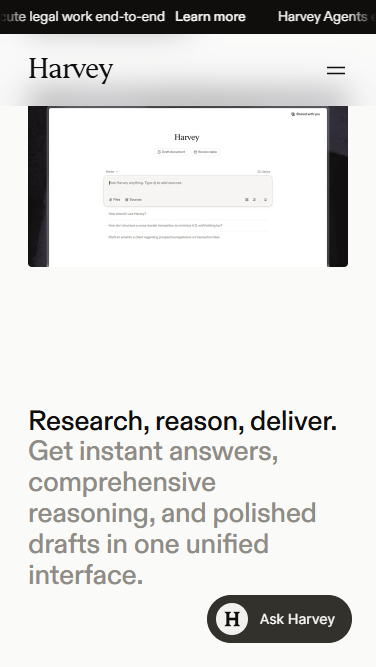
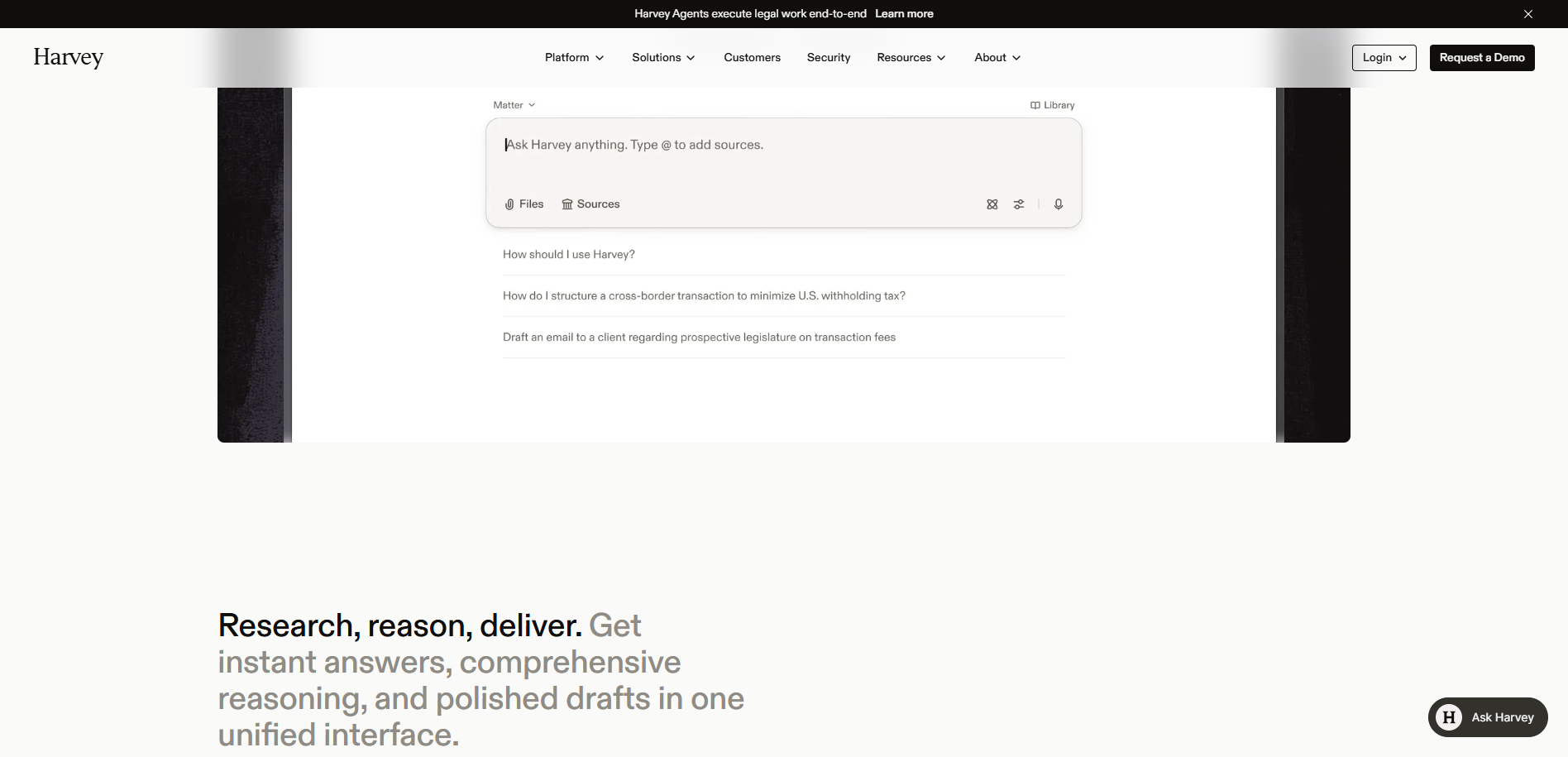
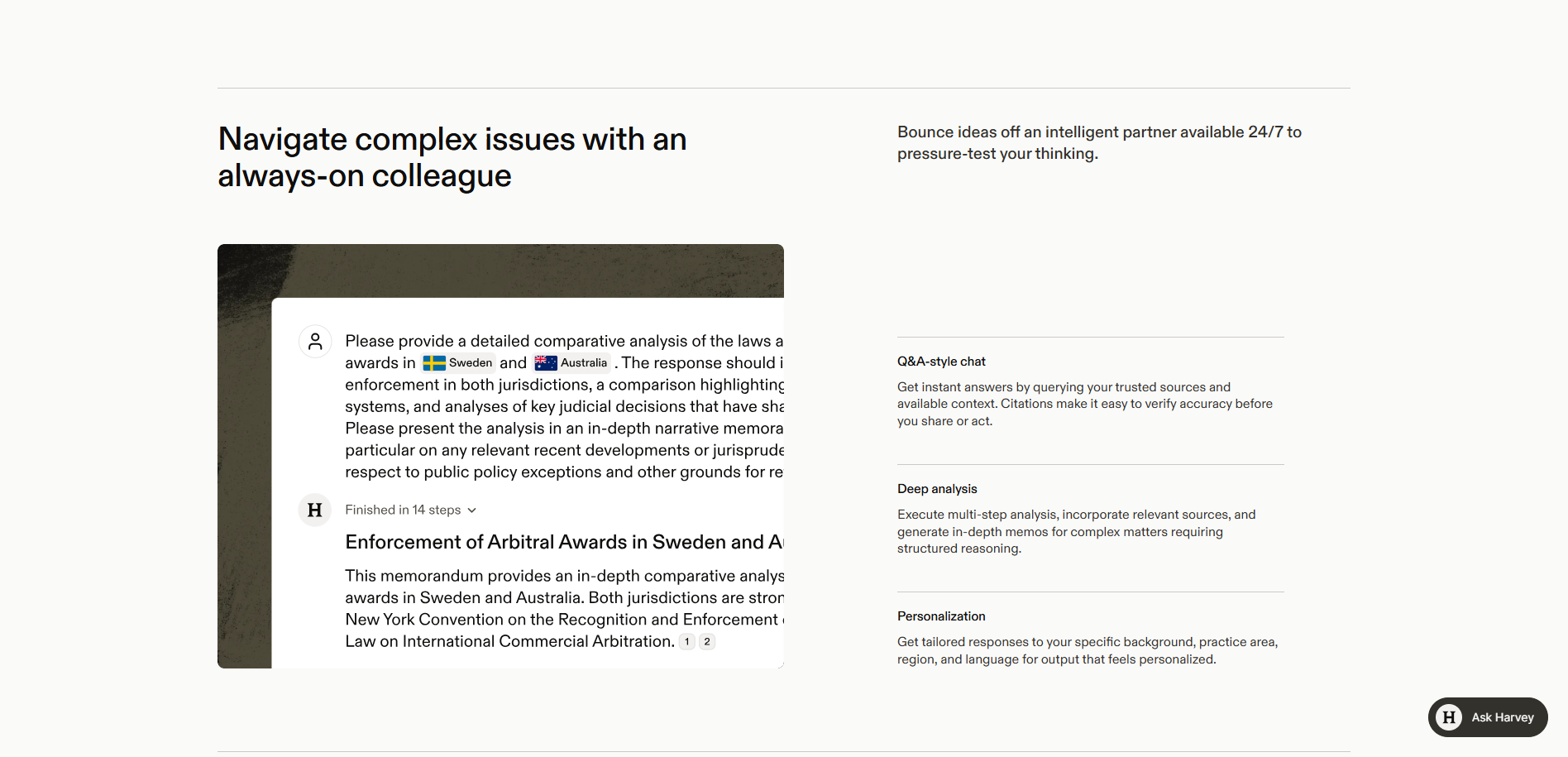
Below the fold, the design extends the refined aesthetic with detailed product demonstrations. A continuation of the interface shows an "Ask Harvey anything — type @ to add sources" input with file and source controls and realistic suggested prompts (structuring a cross-border transaction, drafting a client email), introduced by the line "Research, reason, deliver — instant answers, comprehensive reasoning, and polished drafts in one unified interface." A further section, "Navigate complex issues with an always-on colleague," pairs a worked example (a multi-step comparative legal memorandum, "Finished in 14 steps") with a feature list: Q&A-style chat with citations, Deep analysis, and Personalization. The key messaging moves from positioning toward demonstrated capability — showing how the assistant handles real legal tasks with verifiable sources — while the emotions conveyed shift from initial trust toward conviction and reassurance, helping legal professionals envision the tool in their workflow.

Stay Tuned

Stay informed and ignite your creativity with innovative design ideas while gaining practical insights from our UX expertise.