

Phia App Page Design

Uncover the creative design of the Phia App landing page. This page highlights key visual elements and layout strategies, showcasing screenshots for mobile and desktop. For an in-depth review, check out our detailed case study.
Phiaphia-app
Phia App
About this screenshot
This screenshot of the Phia App landing page was taken on Jun 03, 2026, providing a snapshot of its layout.
A full-screen capture alone may not illustrate the complex design of these pages. For an in-depth view, visit the official page or explore our case study, highlighting 'above the fold' content first encountered by users.
Phia Page Title: Phia: Your Personal Shopping Assistant

Phia Page Description: Build your closet seamlessly, and find the best prices instantly.
Screen 1 (above the fold):
Phia App
Screen 2:
Landing Page Mobile Screen 2
Screen 3:
Landing Page Mobile Screen 3
Screen 4:
Landing Page Mobile Screen 4
Screen 5:
Landing Page Mobile Screen 5
Screen 6:
Landing Page Mobile Screen 6
About these screenshots
These images of the Phia App landing page were taken on Jun 03, 2026, providing a snapshot of its layout.
The first screenshot captured here showcases the 'above the fold' content, displaying what a user would see upon arrival at the page without scrolling. Subsequent screenshots show the immediate next sections, providing a static overview of the page as it appeared at the time of our analysis. Together, they highlight the key design elements and layout that shape the user's initial interaction. A full-screen display was neither necessary nor feasible due to the intricate and dynamic design features of this landing page.
Phia Page Title: Phia: Your Personal Shopping Assistant

Phia Page Description: Build your closet seamlessly, and find the best prices instantly.
Phia App
About this screenshot
This screenshot of the Phia App landing page was taken on Jun 03, 2026, providing a snapshot of its layout.
A full-screen capture alone may not illustrate the complex design of these pages. For an in-depth view, visit the official page or explore our case study, highlighting 'above the fold' content first encountered by users.
Phia Page Title: Phia: Your Personal Shopping Assistant

Phia Page Description: Build your closet seamlessly, and find the best prices instantly.
Screen 1 (above the fold):
Phia App Landing Page
Screen 2:
Landing Page Screen 2
Screen 3:
Landing Page Screen 3
Screen 4:
Landing Page Screen 4
About these screenshots
These images of the Phia App landing page were taken on Jun 03, 2026, providing a snapshot of its layout.
The first screenshot captured here showcases the 'above the fold' content, displaying what a user would see upon arrival at the page without scrolling. Subsequent screenshots show the immediate next sections, providing a static overview of the page as it appeared at the time of our analysis. Together, they highlight the key design elements and layout that shape the user's initial interaction. A full-screen display was neither necessary nor feasible due to the intricate and dynamic design features of this landing page.
Phia Page Title: Phia: Your Personal Shopping Assistant

Phia Page Description: Build your closet seamlessly, and find the best prices instantly.
Design Review

A Designer’s View on Phia Design

An Editorial Approach to Smart Shopping

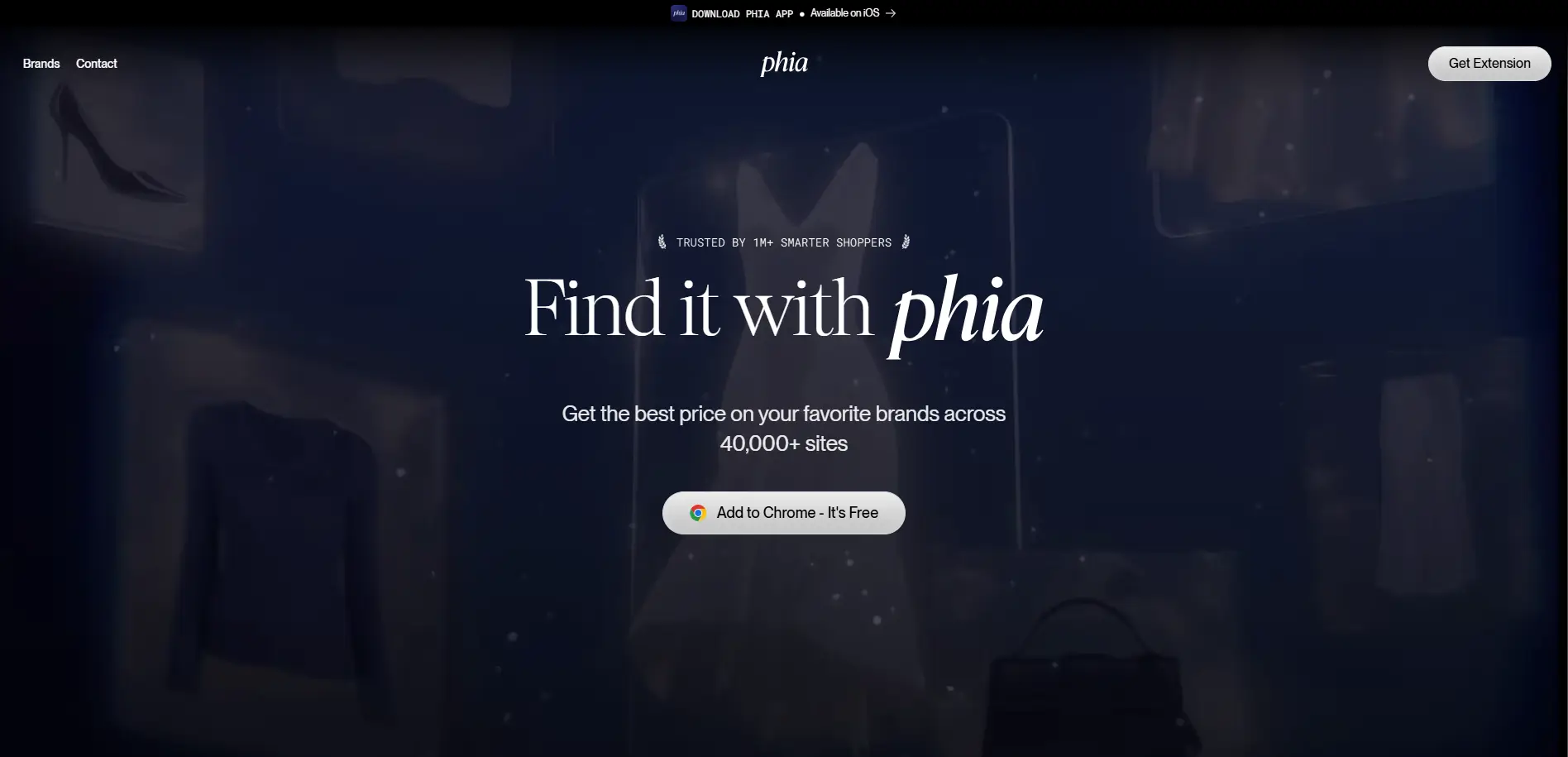
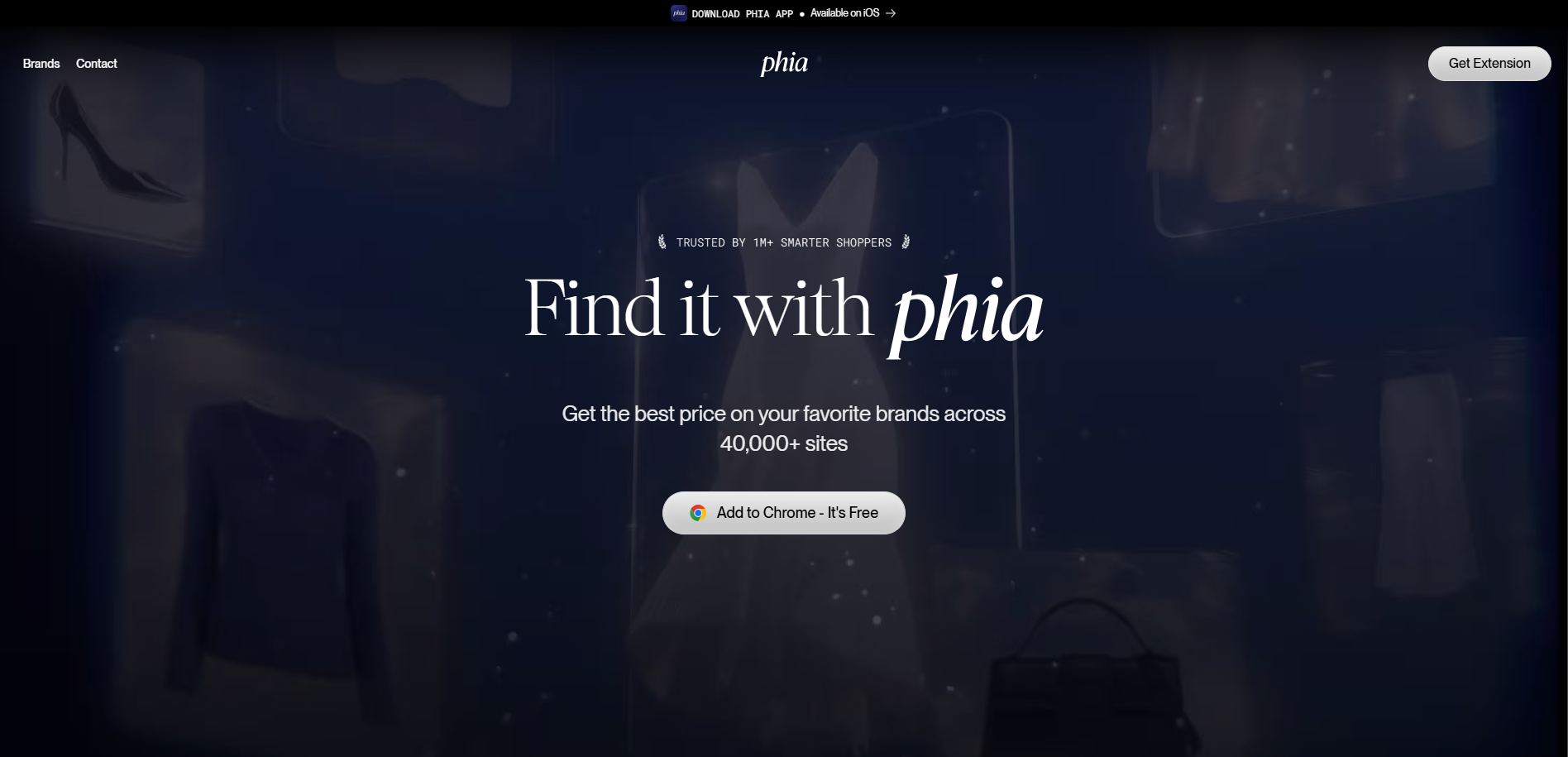
The above-the-fold design of the Phia page is dark, moody, and elegant, with an editorial fashion aesthetic: softly ghosted product imagery (apparel, heels, handbags) layers behind a refined serif headline, "Find it with phia" (the brand name set in italic). The palette is deep navy and black with high-contrast white type, and the layout stays minimal — a centered wordmark, a small "Brands / Contact" navigation, and a "Get Extension" button — while a light Call-to-Action pill, "Add to Chrome - It's Free," anchors the center.

The key messaging is benefit-driven and concise — the best price on favorite brands across 40,000+ sites — reinforced by social proof ("Trusted by 1M+ smarter shoppers") and a top bar promoting the iOS app. The emotions conveyed are sophistication, savvy, and trust, positioning price comparison as a premium, fashion-forward habit rather than a purely utilitarian tool.

A Curated World of Brands

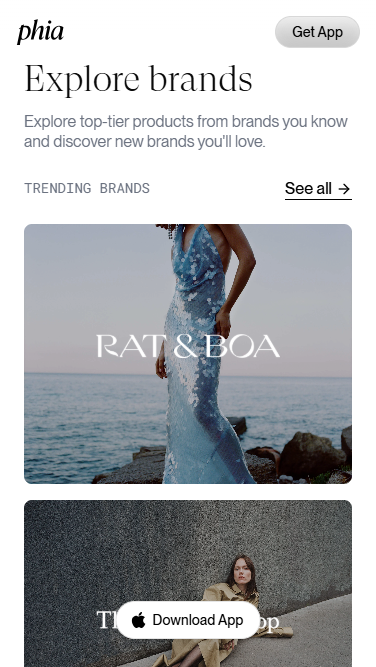
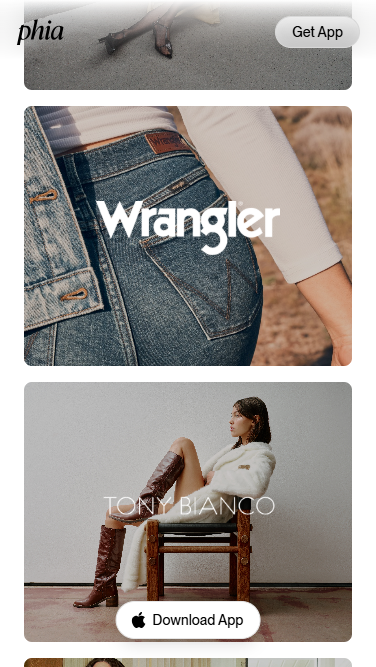
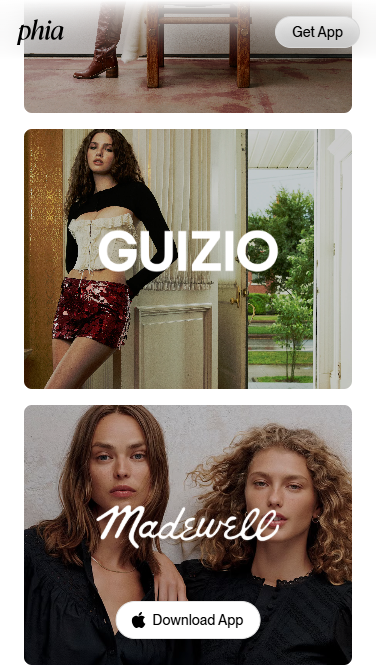
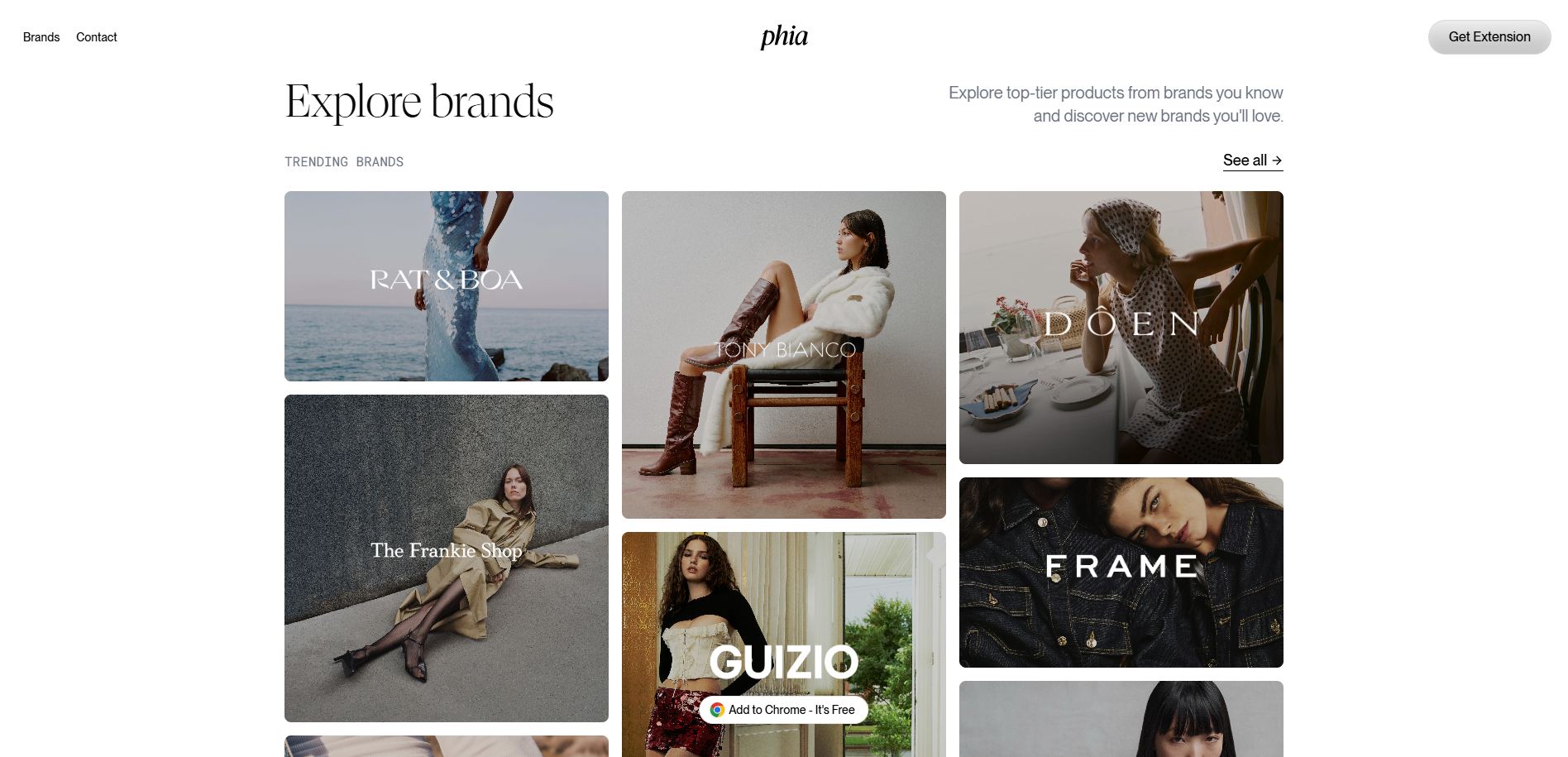
Below the fold, the design pivots to a bright, gallery-like layout that foregrounds high-quality fashion photography. An "Explore brands" heading, paired with the line "Explore top-tier products from brands you know and discover new brands you'll love," introduces a "Trending Brands" grid of editorial brand tiles (Rat & Boa, The Frankie Shop, Tony Bianco, Guizio, Dôen, Frame, and more) with a "See all" link. The recurring "Add to Chrome - It's Free" Call-to-Action stays accessible throughout. The key messaging shifts from the core value proposition toward discovery and aspiration — showcasing desirable brands to make the tool feel relevant and stylish — while the emotions conveyed move from intrigue toward desire and inspiration, encouraging shoppers to browse and install.

Stay Tuned

Stay informed and ignite your creativity with innovative design ideas while gaining practical insights from our UX expertise.