
Replit Page Design

Uncover the creative design of the Replit landing page. This page highlights key visual elements and layout strategies, showcasing screenshots for mobile and desktop. For an in-depth review, check out our detailed case study.
Replitreplit
Replit
About this screenshot
This screenshot of the Replit landing page was taken on Jun 03, 2026, providing a snapshot of its layout.
A full-screen capture alone may not illustrate the complex design of these pages. For an in-depth view, visit the official page or explore our case study, highlighting 'above the fold' content first encountered by users.
Replit Page Title: Replit – Build apps and sites with AI

Replit Page Description: Build and deploy software collaboratively with the power of AI without spending a second on setup.
Screen 1 (above the fold):
Replit
Screen 2:
Landing Page Mobile Screen 2
Screen 3:
Landing Page Mobile Screen 3
Screen 4:
Landing Page Mobile Screen 4
Screen 5:
Landing Page Mobile Screen 5
Screen 6:
Landing Page Mobile Screen 6
About these screenshots
These images of the Replit landing page were taken on Jun 03, 2026, providing a snapshot of its layout.
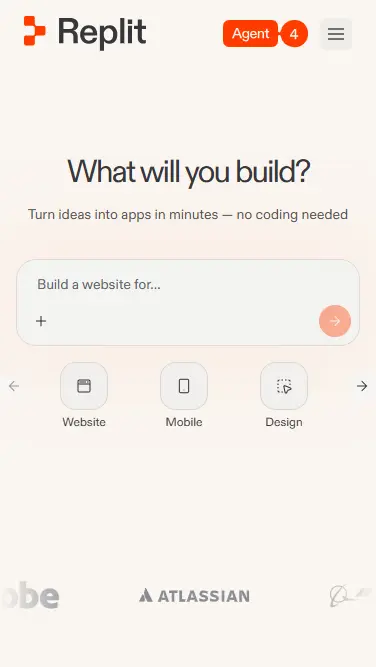
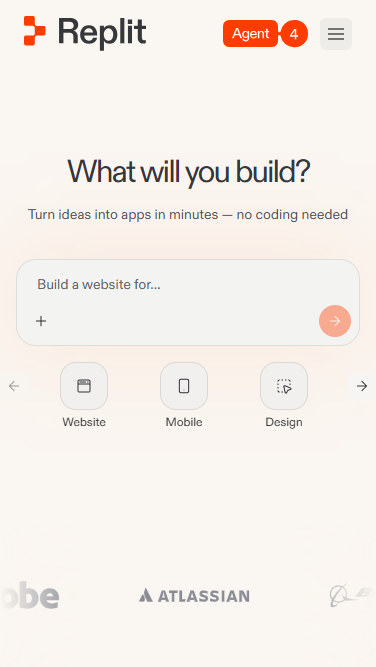
The first screenshot captured here showcases the 'above the fold' content, displaying what a user would see upon arrival at the page without scrolling. Subsequent screenshots show the immediate next sections, providing a static overview of the page as it appeared at the time of our analysis. Together, they highlight the key design elements and layout that shape the user's initial interaction. A full-screen display was neither necessary nor feasible due to the intricate and dynamic design features of this landing page.
Replit Page Title: Replit – Build apps and sites with AI

Replit Page Description: Build and deploy software collaboratively with the power of AI without spending a second on setup.
Replit
About this screenshot
This screenshot of the Replit landing page was taken on Jun 03, 2026, providing a snapshot of its layout.
A full-screen capture alone may not illustrate the complex design of these pages. For an in-depth view, visit the official page or explore our case study, highlighting 'above the fold' content first encountered by users.
Replit Page Title: Replit – Build apps and sites with AI

Replit Page Description: Build and deploy software collaboratively with the power of AI without spending a second on setup.
Screen 1 (above the fold):
Replit Landing Page
Screen 2:
Landing Page Screen 2
Screen 3:
Landing Page Screen 3
Screen 4:
Landing Page Screen 4
About these screenshots
These images of the Replit landing page were taken on Jun 03, 2026, providing a snapshot of its layout.
The first screenshot captured here showcases the 'above the fold' content, displaying what a user would see upon arrival at the page without scrolling. Subsequent screenshots show the immediate next sections, providing a static overview of the page as it appeared at the time of our analysis. Together, they highlight the key design elements and layout that shape the user's initial interaction. A full-screen display was neither necessary nor feasible due to the intricate and dynamic design features of this landing page.
Replit Page Title: Replit – Build apps and sites with AI

Replit Page Description: Build and deploy software collaboratively with the power of AI without spending a second on setup.
Design Review

A Designer’s View on Replit Design

Turn Ideas Into Apps, No Code Required

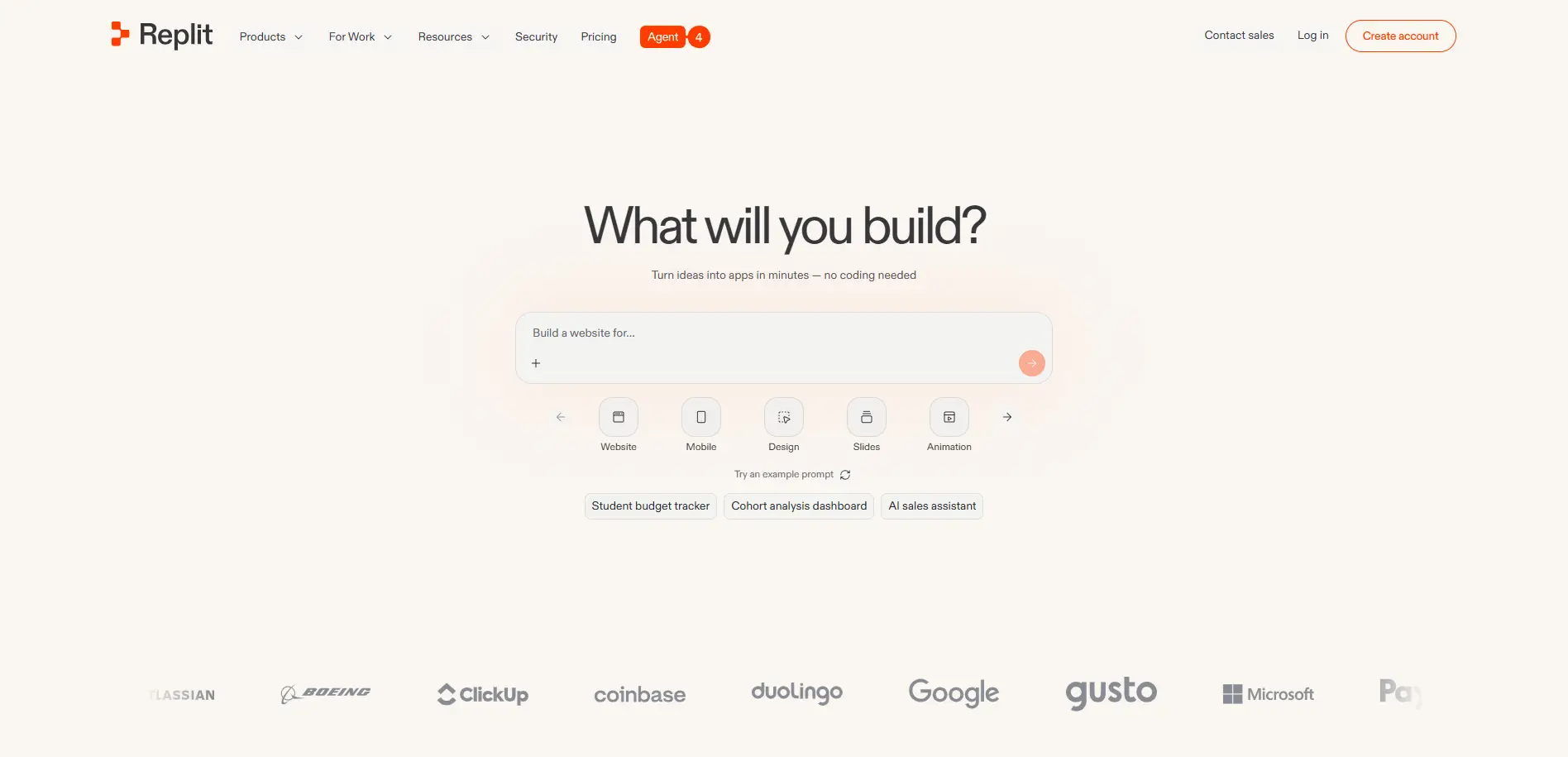
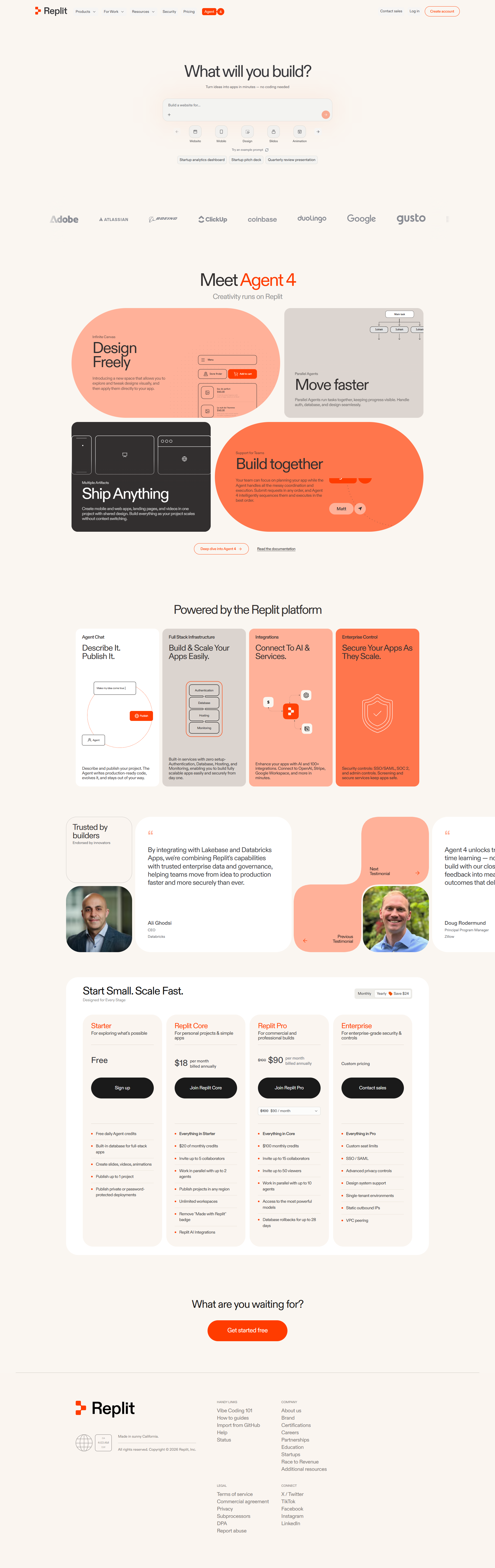
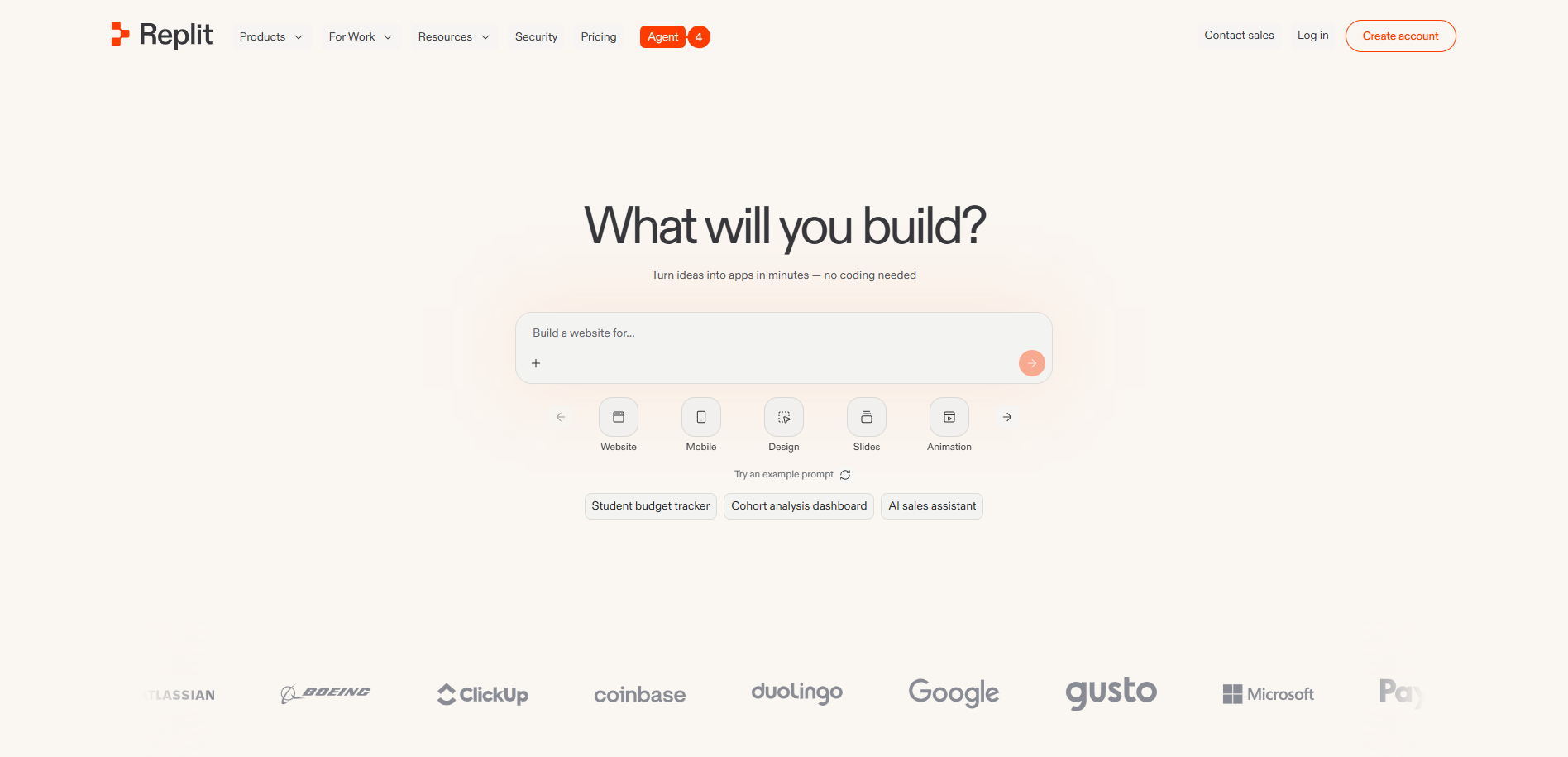
The above-the-fold design of the Replit page is light, warm, and minimal, set on a cream background that places a single prompt at the center. A large headline, "What will you build?", sits above the subhead "Turn ideas into apps in minutes — no coding needed." The interactive input ("Build a website for…") is supported by category quick-picks (Website, Mobile, Design, Slides, Animation) and example-prompt chips such as "Student budget tracker" and "AI sales assistant." A logo strip (Atlassian, Boeing, ClickUp, Coinbase, Duolingo, Google, Gusto, Microsoft, PayPal) anchors the lower view, alongside an orange "Create account" Call-to-Action.

The key messaging is accessibility-led — building software quickly, without code — and reduces friction with ready-made examples and clear use-case categories. The emotions conveyed are empowerment, ease, and trust, with the enterprise logos lending credibility and the prompt inviting immediate experimentation.

Meet Agent 4: Creativity Runs on Replit

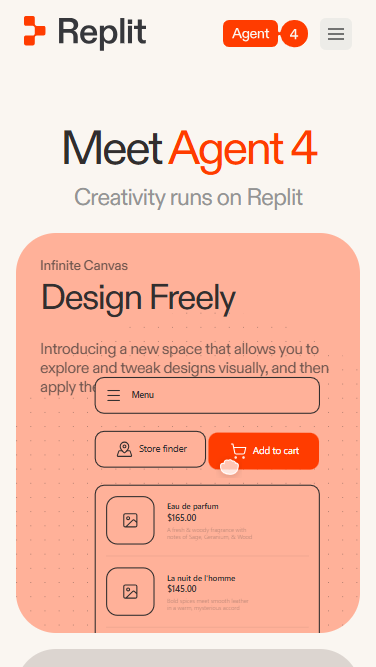
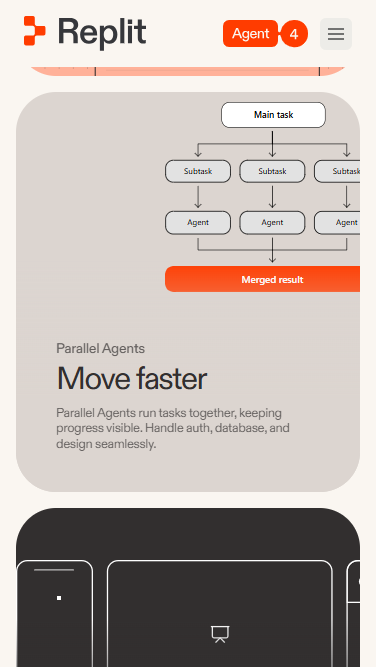
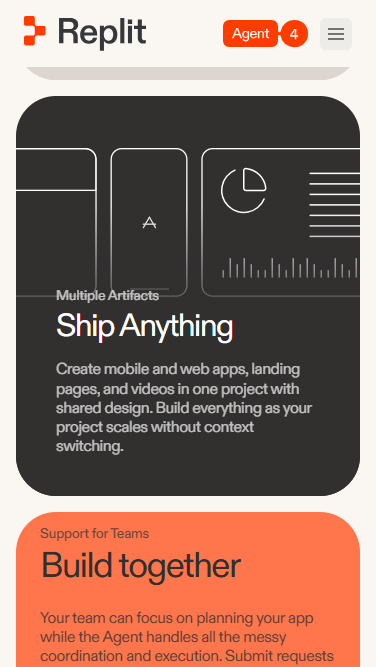
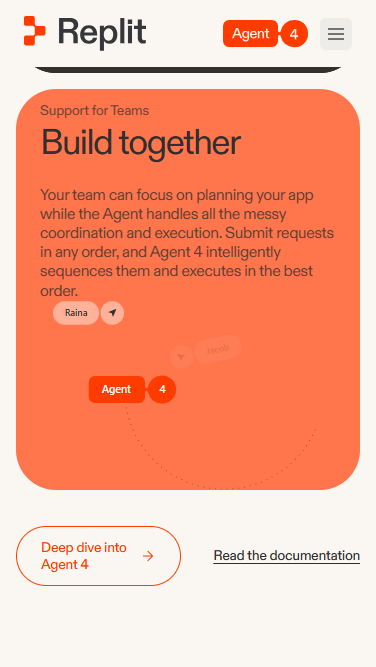
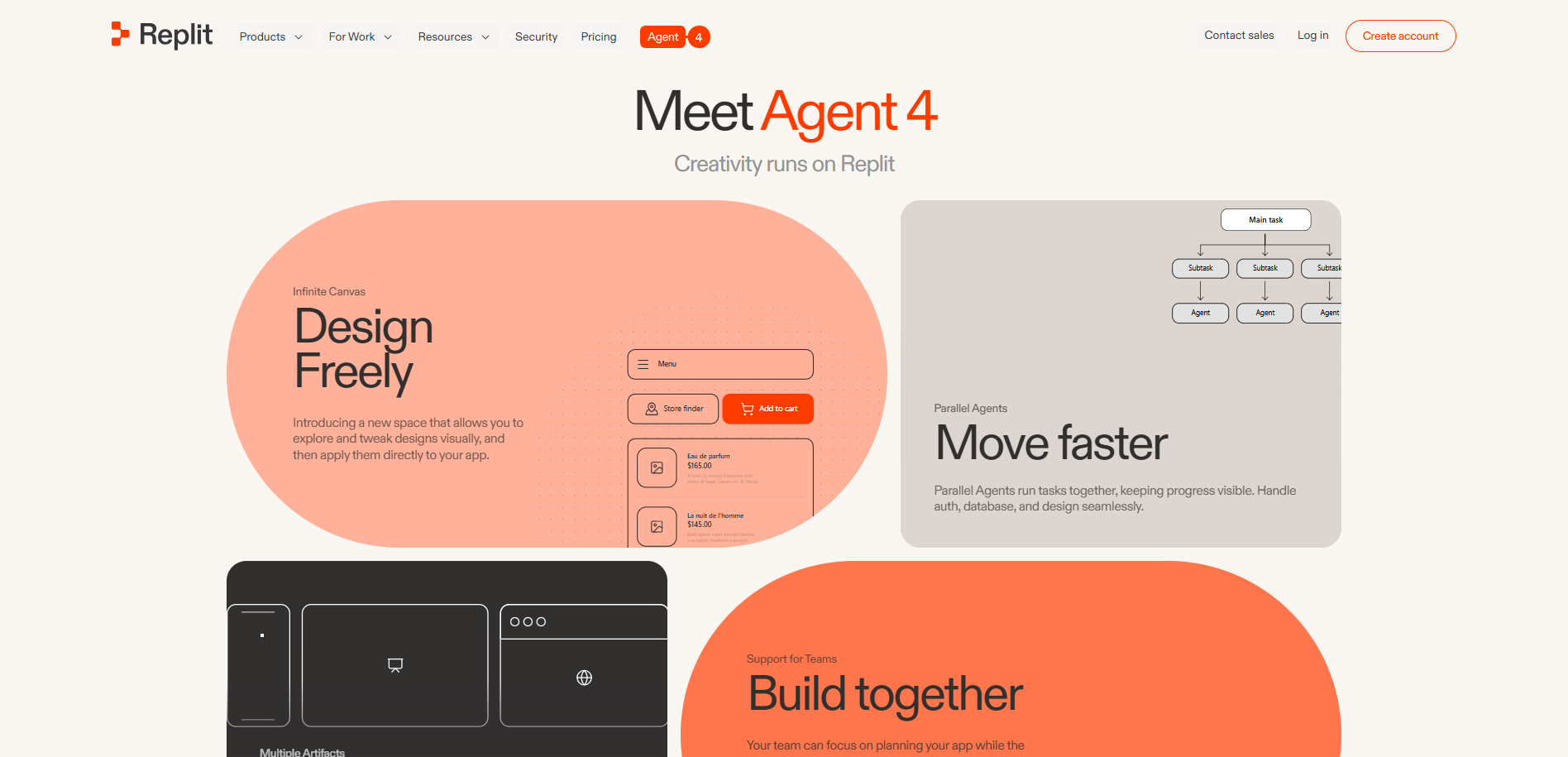
Below the fold, the design adopts a colorful, bento-style layout introducing "Meet Agent 4 — Creativity runs on Replit." Rounded, color-blocked panels each spotlight a capability: an "Infinite Canvas — Design Freely" with an app mockup, "Parallel Agents — Move faster" illustrated by a task-tree diagram that handles auth, database, and design, a dark "Multiple Artifacts" block, and an orange "Support for Teams — Build together" panel. The varied shapes, colors, and embedded UI fragments make the capabilities feel tangible and modern. The key messaging deepens from the simple build promise into concrete product features — visual design, parallel task execution, and team collaboration — while the emotions conveyed shift from approachable ease toward creative confidence and capability, showing how far the platform can take a project.

Stay Tuned

Stay informed and ignite your creativity with innovative design ideas while gaining practical insights from our UX expertise.